Note panel

An open note in the side panel. Metadata sits in a quiet band on top: the kind, where it belongs, the actions, then who wrote it and when, with Edited opening the version history. The note itself has the white page below. Comments follow under a divider, with @ to tag colleagues.

BetaReady to use. Its API can still change in a minor release; the changelog says when.

LEAP CRMBuilt for the CRM from the core library. It knows about the CRM's own records, so it isn't a general building block.

import { NotePanel } from "@leap-crm/design-system";

An open note

Pin, the ⋯ menu and Close sit together. Type @ in the comment field to tag someone; Enter posts.

Phone call14 Hill St purchase
Sam EvansviaFirm Pilot21 Nov, 4:12 pm

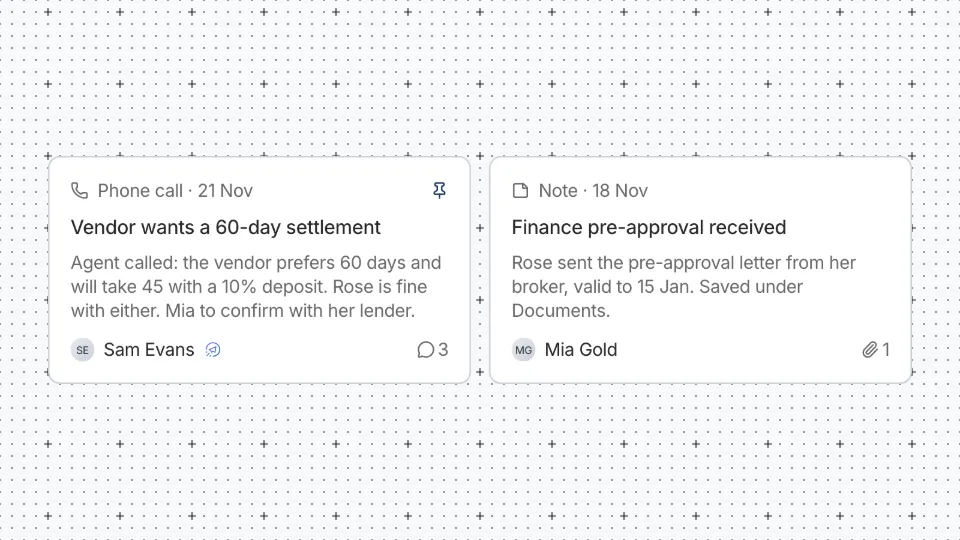
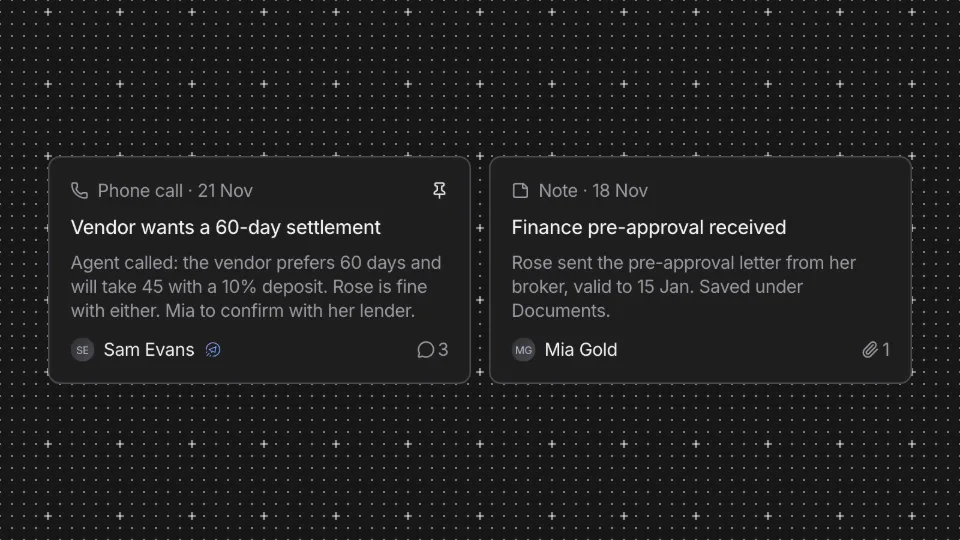
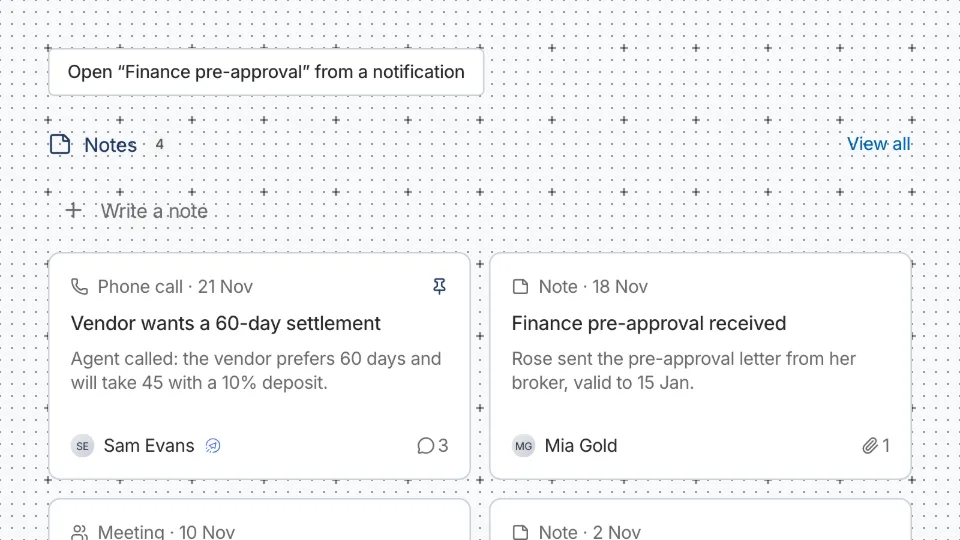
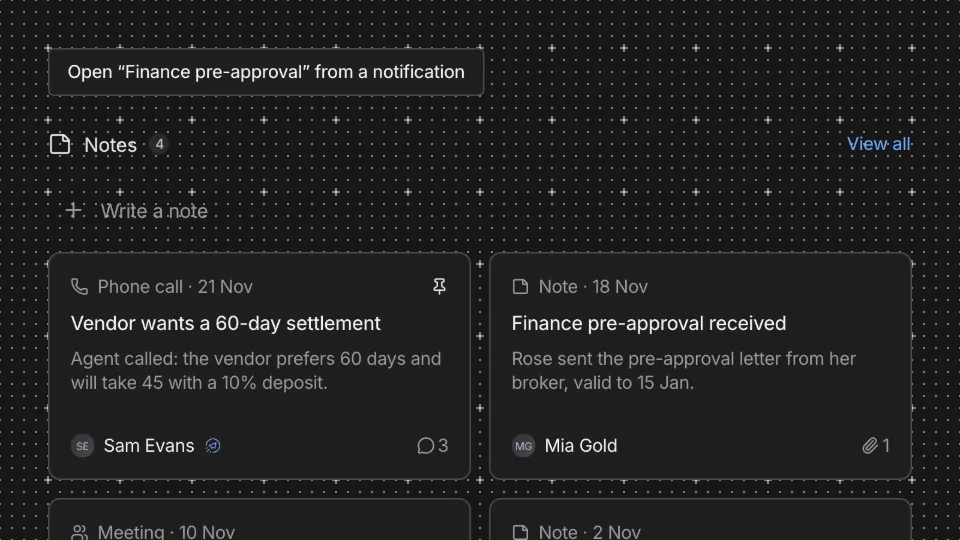
Vendor wants a 60-day settlement

Agent called: the vendor prefers 60 days and will take 45 with a 10% deposit. Rose is fine with either. @Mia Gold to confirm with her lender before we reply. If the lender needs longer than 45 days, we counter at 60 with the 10% deposit.

Comments3

  • Mia Gold4:38 pm

    Lender says 45 days is fine if the valuation is back by the 5th.

  • Sam Evans4:51 pm

    Good, I will tell the agent 45. @Mia Gold can you send the valuation request today?

  • Mia Gold5:02 pm

    Sent.

Written by someone, no comments yet

Note
Mia Gold18 Nov, 9:30 am

Finance pre-approval received

Rose sent the pre-approval letter from her broker, valid to 15 Jan. Saved under Documents.

Comments

What the examples share

The imports and the scaffolding the examples above call. The scaffolding lives in this page, not in the library.

import { useState } from "react";

import { NotePanel, type NoteComment } from "@leap-crm/design-system";

const people = [
  { name: "Mia Gold", initials: "MG" },
  { name: "Sam Evans", initials: "SE" },
];

const body =
  "Agent called: the vendor prefers 60 days and will take 45 with a 10% deposit. Rose is fine with either.\n\n@Mia Gold to confirm with her lender before we reply. If the lender needs longer than 45 days, we counter at 60 with the 10% deposit.";

function OpenNote() {
  const [pinned, setPinned] = useState(true);
  const [comments, setComments] = useState<NoteComment[]>([
    {
      id: "1",
      author: people[0] ?? { name: "" },
      time: "4:38 pm",
      text: "Lender says 45 days is fine if the valuation is back by the 5th.",
    },
    {
      id: "2",
      author: people[1] ?? { name: "" },
      time: "4:51 pm",
      text: "Good, I will tell the agent 45. @Mia Gold can you send the valuation request today?",
    },
    {
      id: "3",
      author: people[0] ?? { name: "" },
      time: "5:02 pm",
      text: "Sent.",
    },
  ]);
  return (
    <NotePanel
      className="w-lg"
      kind="call"
      context={{ type: "matter", label: "14 Hill St purchase" }}
      title="Vendor wants a 60-day settlement"
      body={body}
      author={{ name: "Sam Evans", initials: "SE", viaFirmPilot: true }}
      date="21 Nov, 4:12 pm"
      edited
      pinned={pinned}
      onPinChange={setPinned}
      onEdit={() => undefined}
      onCopyLink={() => undefined}
      onHistory={() => undefined}
      onMove={() => undefined}
      onDelete={() => undefined}
      onClose={() => undefined}
      people={people}
      you={{ name: "Marcus Hugh", initials: "MH" }}
      comments={comments}
      onComment={text =>
        setComments(list => [
          ...list,
          {
            id: String(list.length + 1),
            author: { name: "Marcus Hugh", initials: "MH" },
            time: "Just now",
            text,
          },
        ])
      }
    />
  );
}
Best practices

When to use it, and the rules that apply in particular places.

GuidancePractice
DoSet context only when the note belongs somewhere other than the page it's opened on, like its matter when it's opened from a contact.
DoPass only the actions the reader may take. Each of onEdit, onCopyLink, onHistory, onMove, onPinChange and onDelete adds its menu item, and a missing one leaves it out.
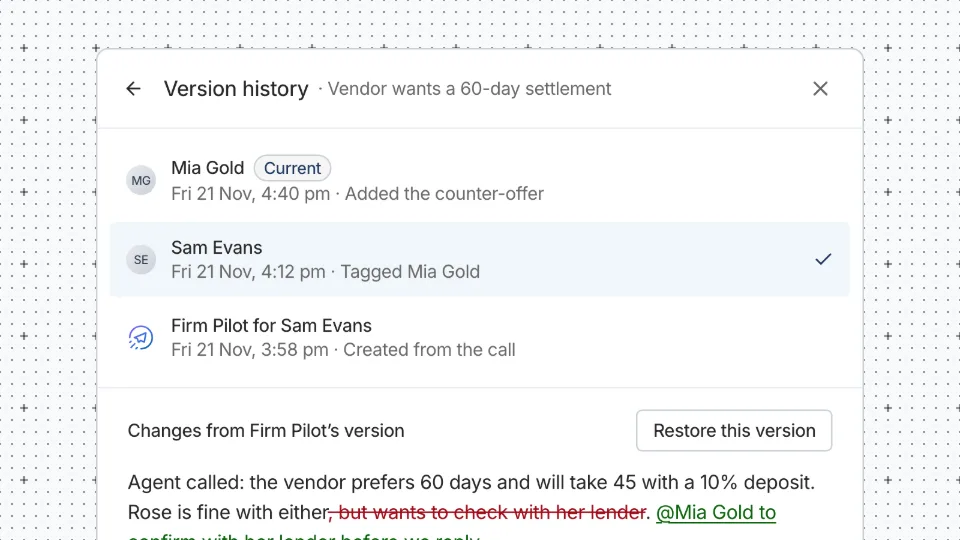
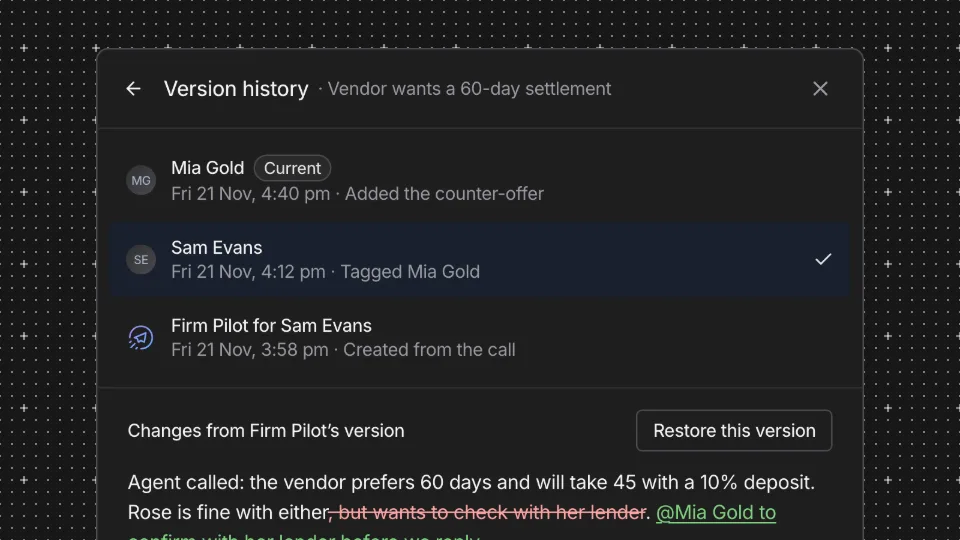
DoPass onHistory with edited, so “Edited” after the date opens the NoteVersionHistory.
DoPass people, so @names in the note and its comments show in link colour and can be tagged in a new comment.
Don'tDelete straight from onDelete. The menu item calls it at once, so confirm in an AlertDialog whose confirming button carries data-agent-confirm.
Don'tSet entrance or leaving when the panel opens from a NoteGrid. The grid sets them as the tile grows into the panel.

Props

PropTypeDefaultDescription
kind *NoteKind—What the note records. Its icon and word lead the metadata band.
contextNoteContext—Where the note belongs, only when that isn't this page.
title *string—The note's title.
body *string—The note. Line breaks are kept; @names of `people` show in link colour.
author *NoteAuthor—Who wrote it. With `viaFirmPilot`, the byline reads "via Firm Pilot".
date *string—When it was written, already formatted, like "21 Nov, 4:12 pm".
editedbooleanfalseShows "Edited" after the date, a link to the version history.
pinnedbooleanfalsePressed when the note is pinned.
onPinChange(pinned: boolean) => void—Pins or unpins the note. Shows the pin button and the Pin or Unpin menu item.
onEdit() => void—Opens the note for editing.
onCopyLink() => void—Copies a link to the note.
onHistory() => void—Opens the version history, from the menu and from "Edited".
onMove() => void—Moves the note to another matter.
onDelete() => void—Deletes the note.
onClose() => void—Closes the panel.
commentsunknown[]Comments under the note, oldest first.
peopleunknown[]Staff who can be tagged with @ in the note and in a comment.
youNotePerson—Whoever is writing a comment, for the avatar beside the field.
onComment(text: string) => void—Adds a comment. Shows the comment field.
entrancebooleanfalseOpening from a tile: the band, then the note, then the comments fade and sharpen in, after the surface has started to move. NoteGrid sets it.
leavingbooleanfalseClosing back into a tile: the panel's words fade out before the surface moves. NoteGrid sets it.
classNamestring—Classes added to the root element, merged with its own. Tokens only.

Keyboard

The keys it answers to. Tab moves between components, arrows move within them.

KeysWhat they do
EnterIn the comment field, posts the comment.
ArrowDownArrowUpWhile the list of people is open, move through it.
EnterTabWhile the list of people is open, choose the highlighted person.
EscapeCloses the list of people.