Task row
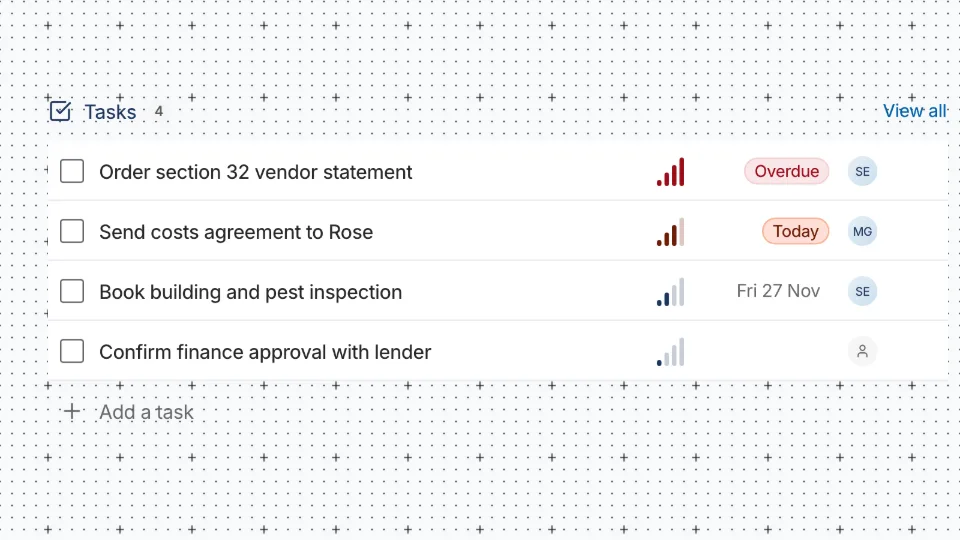
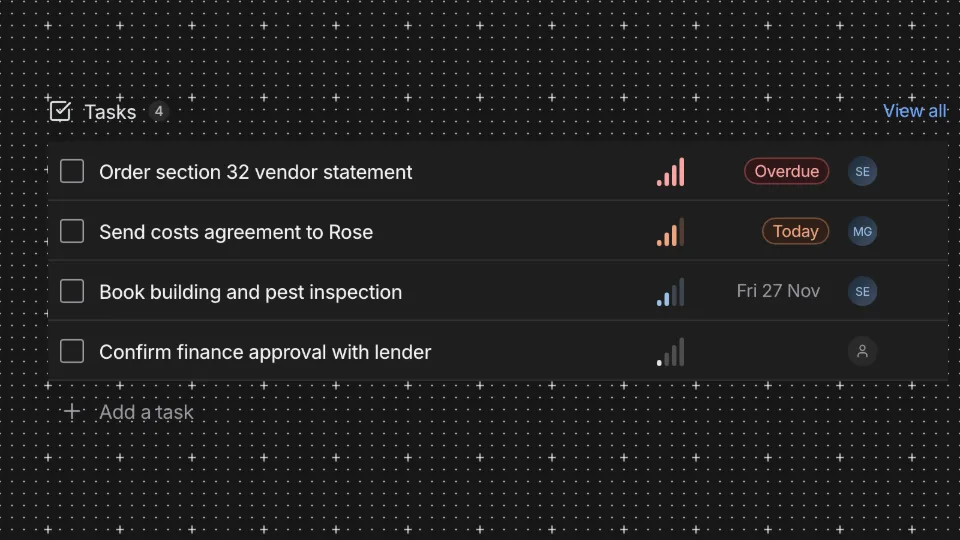
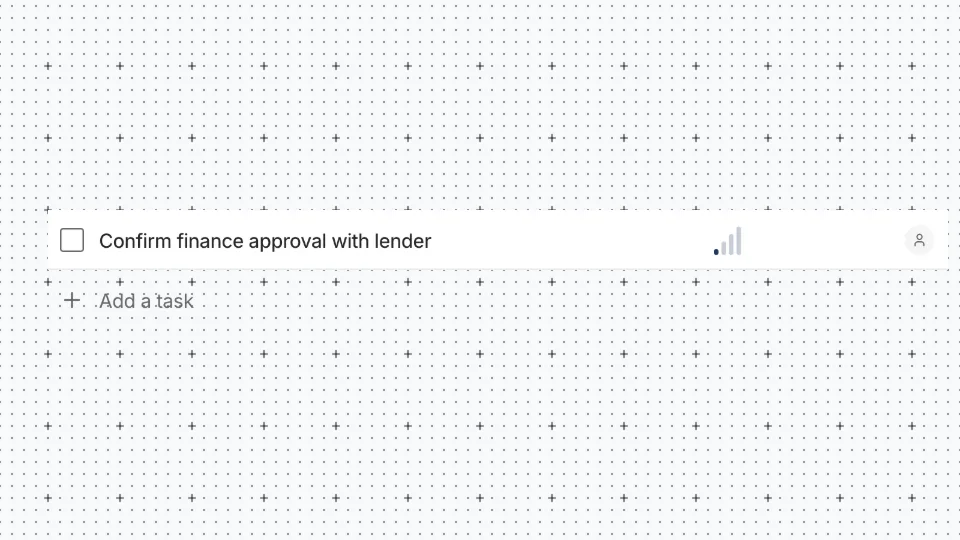
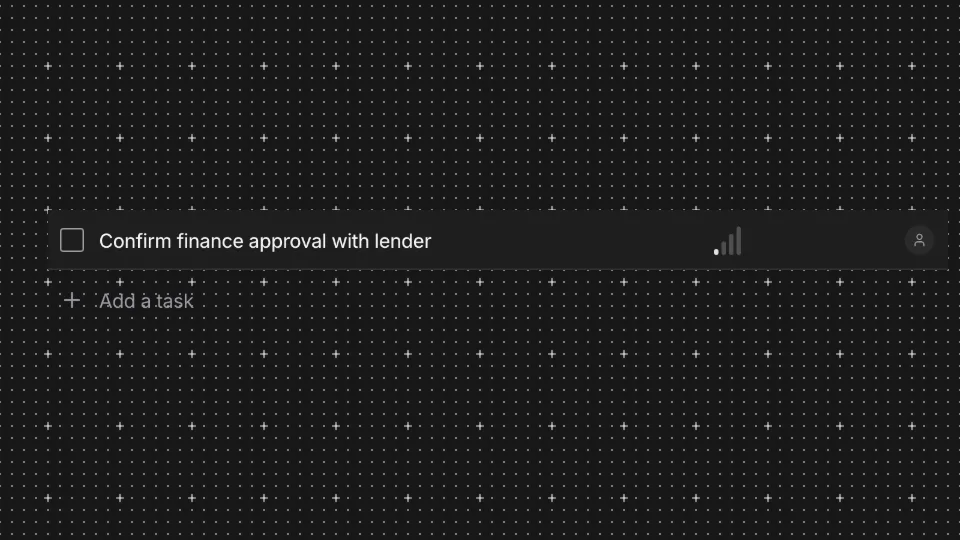
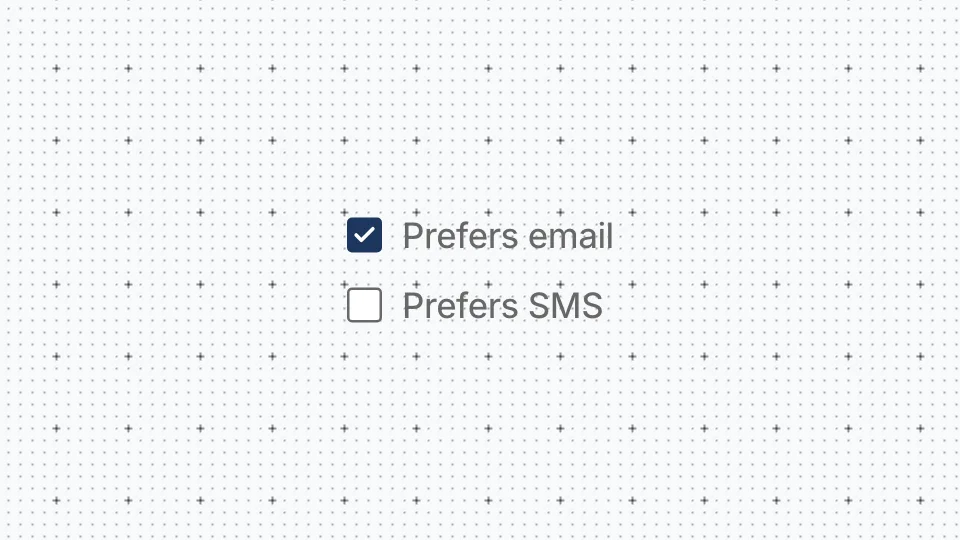
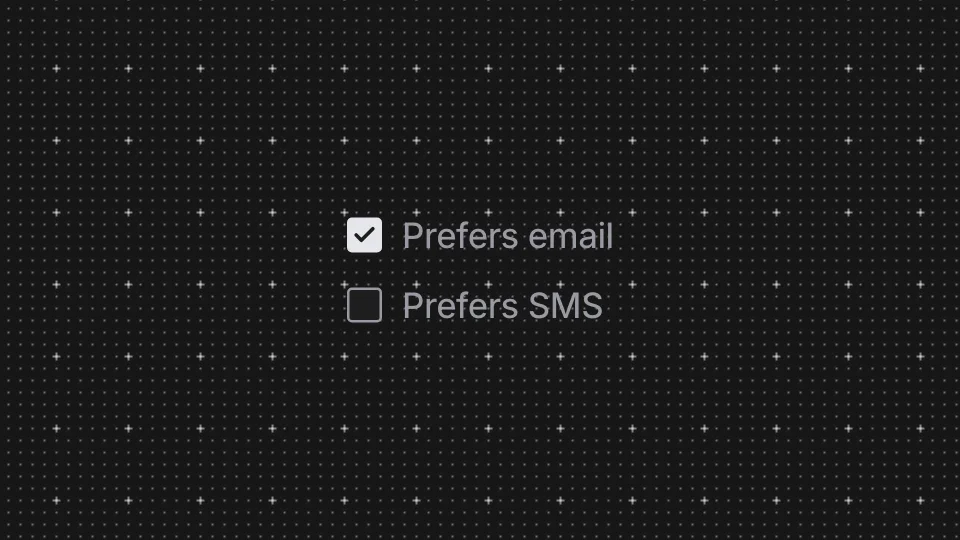
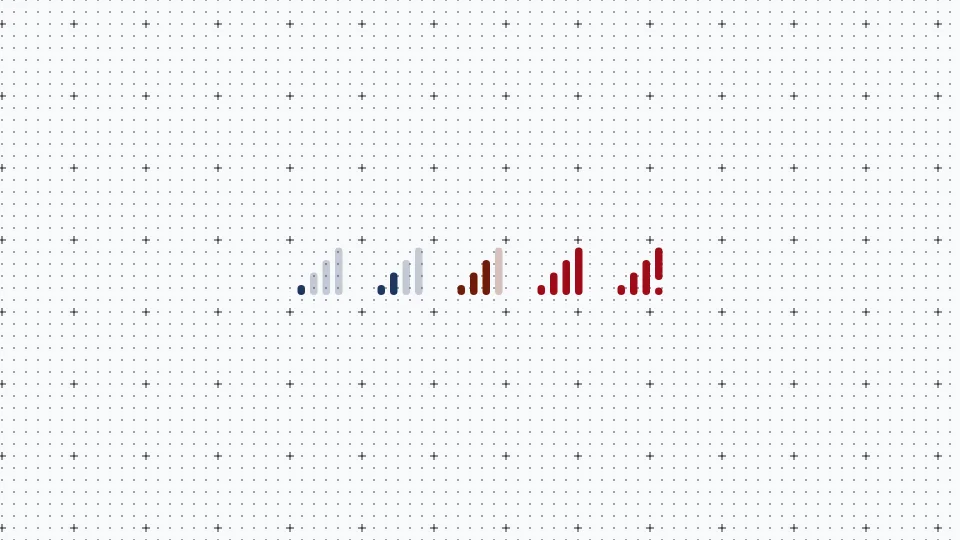
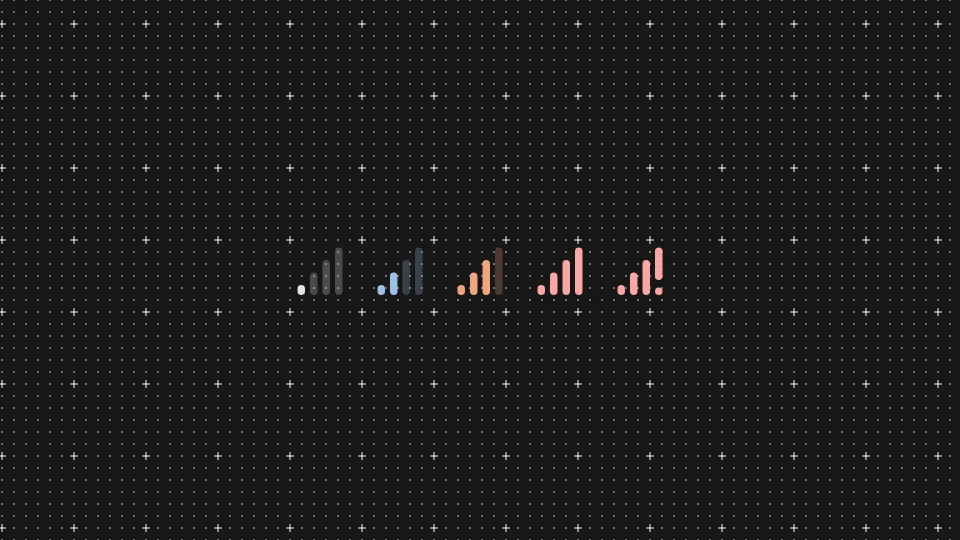
One task in a 40 px row with a rule under it: done box, title, the four priority bars, when it's due (Overdue and Today as badges, any other day as quiet text, nothing without a date), who has it (the colourless avatar when no one does) and a ⋯ menu that shows on hover or focus. Every part edits in place out of the box: click the title to rewrite it, in plain language like the add row (“by Friday”, “for Mia”, “high priority” fill the date, the person and the priority), or click the priority, the due date or the assignee for the same picker the add row uses. Without onChange the row keeps its edits itself; with it, the row is controlled. readOnly turns editing off. Ticking it draws a line through the title, and it shows who finished it and when. When someone is taken to the task from a notification, a link, search or Firm Pilot, it shows the highlight; a task just created never does.
BetaReady to use. Its API can still change in a minor release; the changelog says when.
LEAP CRMBuilt for the CRM from the core library. It knows about the CRM's own records, so it isn't a general building block.
import { TaskRow } from "@leap-crm/design-system";Playground
Change a prop and the component follows. Its code is under Props.
Props
Best practices
When to use it, and the rules that apply in particular places.
| Guidance | Practice |
|---|---|
| Do | Show a matter's tasks through TaskList, which sorts the rows by due date, holds them still while the reader works and moves ticked ones to Done. |
| Do | Pass due as an ISO date, like “2026-11-28”. Overdue and Today show as badges with words, so the date never rests on colour alone. |
| Do | Pass doneBy for a done task, so it shows who finished it and when. |
| Do | Pass people, so the assignee picker has someone to offer when the row is edited in place. |
| Don't | Dim a done row with opacity. The row mutes the title and draws a line through it; opacity on the whole row drops its text below AA. |
| Don't | Open a dialog to edit a task's title, due date, assignee or priority. Every part edits in place with the add row's pickers; set readOnly where it shouldn't. |
Props
| Prop | Type | Default | Description |
|---|---|---|---|
| title * | string | — | The task. |
| done | boolean | false | Ticked: a line draws through the title, it mutes, and the finisher shows instead of the due date. |
| onDoneChange | (done: boolean) => void | — | Runs when the box is ticked or cleared. |
| priority | "low" | "medium" | "high" | "urgent" | "critical" | — | The four bars. Leave out for none. |
| due | string | null | null | When it's due, as an ISO date like "2026-11-28". Overdue and Today show as badges; nothing shows without one. |
| today | string | — | Today's ISO date, to tell overdue from today. The page's today by default. |
| assignee | TaskPerson | null | null | Who it's assigned to. Unassigned shows the colourless avatar. |
| people | unknown | [] | Who it can be assigned to when edited in place. People on this matter come first. |
| onChange | (patch: TaskPatch) => void | — | Runs with what changed when a part is edited in place. Pass it to own the task's state (controlled); leave it out and the row keeps its edits itself. |
| readOnly | boolean | false | Turns off editing in place: the title, priority, due date and assignee only show. Rows edit by default. |
| viewOnly | boolean | false | For someone who can see the task but not change it: no editing, no ticking and no ⋯ menu. |
| doneBy | { name: string; when: string } | — | For a done task: who finished it and when, already worded, like { name: "Sam Evans", when: "Yesterday" }. |
| onMore | () => void | — | Opens the task's menu from the ⋯ button, which shows on hover and focus. |
| target | string | number | null | null | Set when someone is taken to this task (a notification, a link, search, Firm Pilot): the highlight shows until they press anywhere. A new value highlights it again. Never set it for a task just created. |
| className | string | — | Classes added to the root element, merged with its own. Tokens only. |
Code
What the playground shows, ready to copy.
import { TaskRow } from "@leap-crm/design-system";

<TaskRow title="Send the costs agreement" priority="high" />
States
Overdue, due today, due on a later day, no date and unassigned, then done. Every row is editable as it stands: click a title to rewrite it (Enter or leaving saves, Esc puts it back), or a priority, date or assignee for its picker; a quiet tint on hover shows each can be changed.
- Sam Evans · YesterdayCall client re settlement date
Taken to from a notification
Each press is a new arrival: the row scrolls into view and the highlight flows round it until you press anywhere.
Read only
readOnly turns editing off: every part only shows.
- Fri 27 NovBook building and pest inspection
What the examples share
The imports and the scaffolding the examples above call. The scaffolding lives in this page, not in the library.
import { useState } from "react";

import { Button, TaskRow } from "@leap-crm/design-system";

const today = "2026-11-24";

const sam = { id: "se", name: "Sam Evans", initials: "SE" };

const mia = { id: "mg", name: "Mia Gold", initials: "MG" };

const people = [
  { ...sam, onMatter: true },
  { ...mia, onMatter: true },
  { id: "st", name: "Sam Taylor", initials: "ST" },
];

const noop = () => undefined;

function States() {
  const [done, setDone] = useState(true);
  return (
    // Room below the rows, so a picker opened from them isn't cut off by the example box.
    <ul className="w-140 pb-40">
      <li>
        <TaskRow
          title="Order section 32 vendor statement"
          priority="urgent"
          due="2026-11-23"
          today={today}
          assignee={sam}
          people={people}
          onMore={noop}
        />
      </li>
      <li>
        <TaskRow
          title="Send costs agreement to Rose"
          priority="high"
          due={today}
          today={today}
          assignee={mia}
          people={people}
          onMore={noop}
        />
      </li>
      <li>
        <TaskRow
          title="Book building and pest inspection"
          priority="medium"
          due="2026-11-27"
          today={today}
          assignee={sam}
          people={people}
          onMore={noop}
        />
      </li>
      <li>
        <TaskRow
          title="Confirm finance approval with lender"
          priority="low"
          today={today}
          people={people}
          onMore={noop}
        />
      </li>
      <li>
        <TaskRow
          title="Call client re settlement date"
          done={done}
          onDoneChange={setDone}
          doneBy={{ name: "Sam Evans", when: "Yesterday" }}
          people={people}
          onMore={noop}
        />
      </li>
    </ul>
  );
}

function ReadOnly() {
  return (
    <ul className="w-140">
      <li>
        <TaskRow
          title="Book building and pest inspection"
          priority="medium"
          due="2026-11-27"
          today={today}
          assignee={sam}
          readOnly
        />
      </li>
    </ul>
  );
}

function TakenTo() {
  const [nonce, setNonce] = useState<number | null>(null);
  return (
    <div className="flex w-140 flex-col items-start gap-4">
      <Button
        intent="outline"
        size="sm"
        onClick={() => setNonce(value => (value ?? 0) + 1)}
      >
        Open it from a notification
      </Button>
      <ul className="w-full">
        <li>
          <TaskRow
            title="Send costs agreement to Rose"
            priority="high"
            due={today}
            today={today}
            assignee={mia}
            target={nonce}
          />
        </li>
      </ul>
    </div>
  );
}
Keyboard
The keys it answers to. Tab moves between components, arrows move within them.
| Keys | What they do |
|---|---|
| Enter | While editing the title, saves it. |
| Escape | While editing the title, puts it back. |
| Space | Ticks the task's checkbox. |